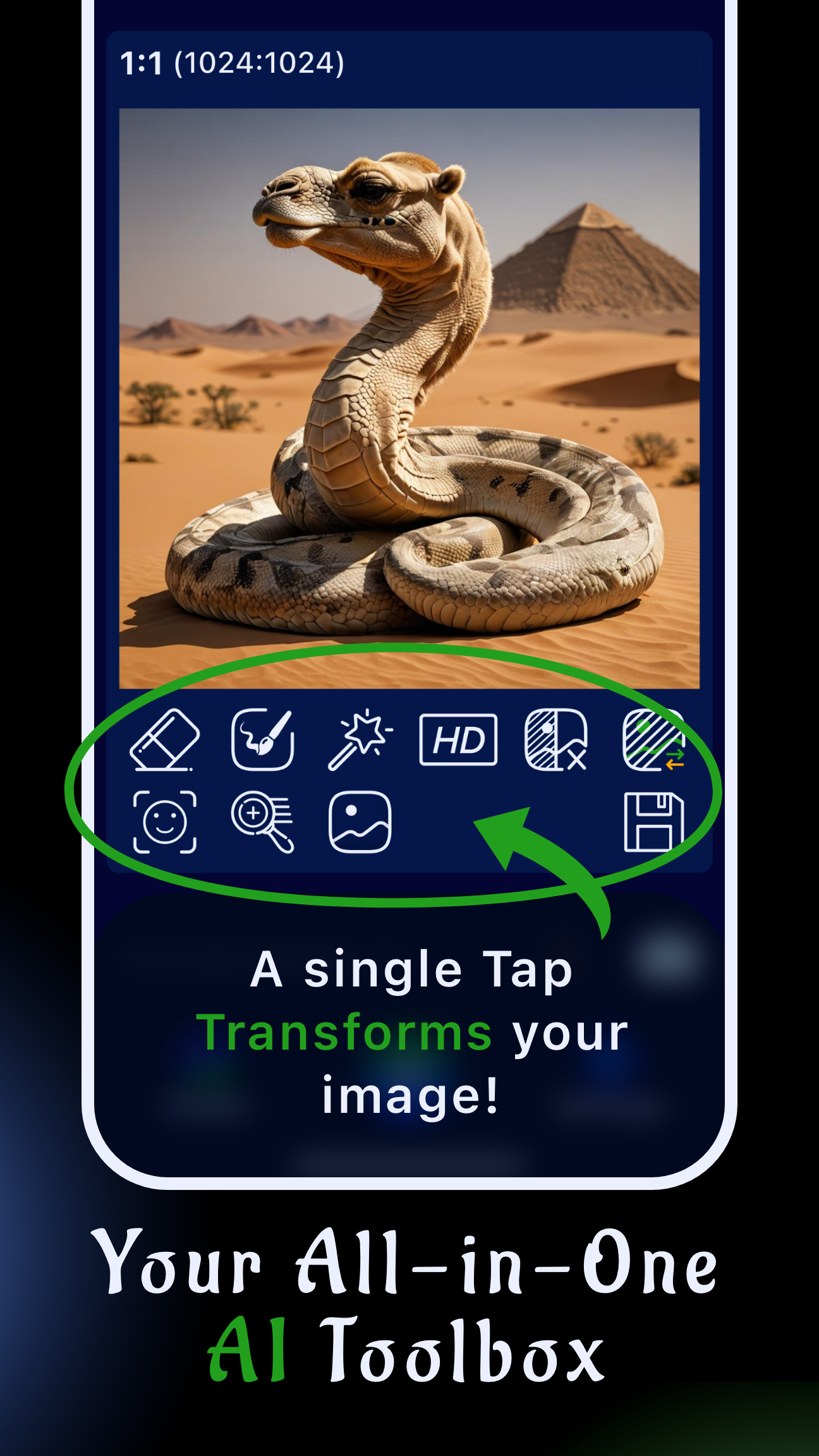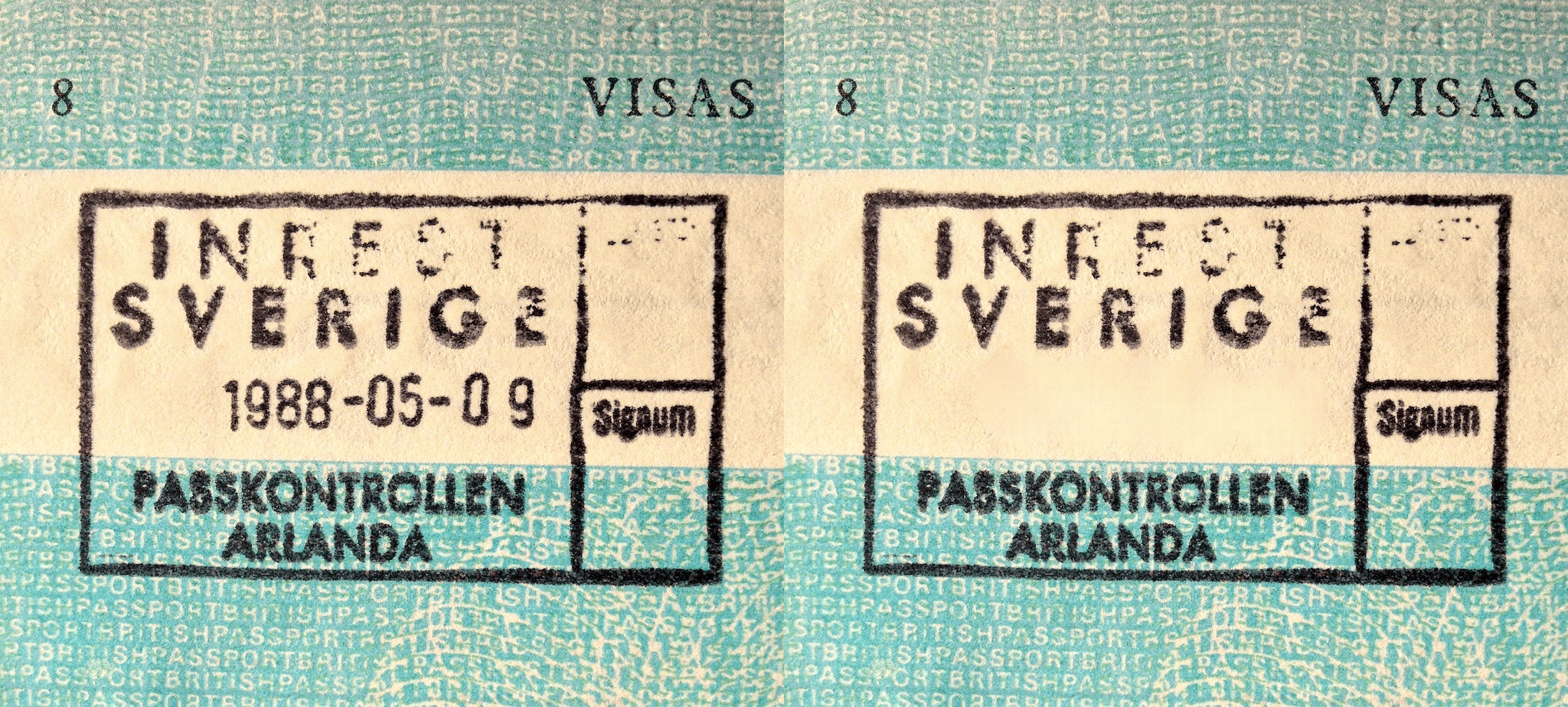
Knowing how to remove date stamp from photo files is essential when you want your images to look timeless, polished, and ready to share. Sinaï Studio lets you clean timestamps directly on your phone, so you can deliver gallery-worthy shots without opening desktop software.
The mobile AI editor combines precision tools—Eraser, Inpainting, and Image-to-Image—with HD export, making it faster than juggling multiple apps. Whether you’re refreshing scanned memories or prepping client deliverables, you can restore the photo and get back to shooting.
What you’ll get
- A reliable workflow to remove date stamps from photos on mobile in minutes.
- Tool-specific tips for Eraser, Inpainting, and Image-to-Image edits.
- Device checklists plus pro guidance to keep future captures stamp-free.
Best way to remove date stamp from photo without quality loss
Sinaï Studio keeps everything in one workspace: you import, mask, refine, and export without hopping between platforms. Because each edit is non-destructive, you can undo or branch versions if you want to try a different prompt. Finish with HD Upscale to maintain clarity—especially helpful when you plan to restore old photos for large prints.
Unlike single-purpose tools that only blur pixels, Sinaï Studio rebuilds the background so textures stay believable. You can zoom to pixel level, tweak the mask, and rely on AI to blend the rebuilt area with nearby colors and lighting.
Step-by-step: remove date and time from photo in Sinaï Studio
Work through this core workflow whenever you need to clean a timestamp. It mirrors the in-app buttons so you can act quickly even on a commute.
- Import the image. Tap the camera icon, open the shot with the timestamp, and duplicate it inside the project so you can compare before/after.
- Prep the mask. Zoom in and draw a loose selection around the date stamp with the Eraser brush—keep the mask slightly larger than the numerals.
- Remove and review. Apply Eraser, then inspect the result at 200% zoom. If anything lingers, undo and redraw a cleaner mask.
- Blend with Inpainting. Switch tools, mask the area again, and type a short instruction like “restore asphalt texture” or “continue ocean waves” to get a seamless blend.
- Polish and export. When the corner looks natural, tap Image-to-Image if you want to rebuild surrounding details, then hit HD to upscale and export a clean copy.
This sequence covers 90% of use cases. If you also want to swap skies or create variants for social, duplicate the project and explore additional edits before exporting.
Eraser tool: your remove text from photo app shortcut
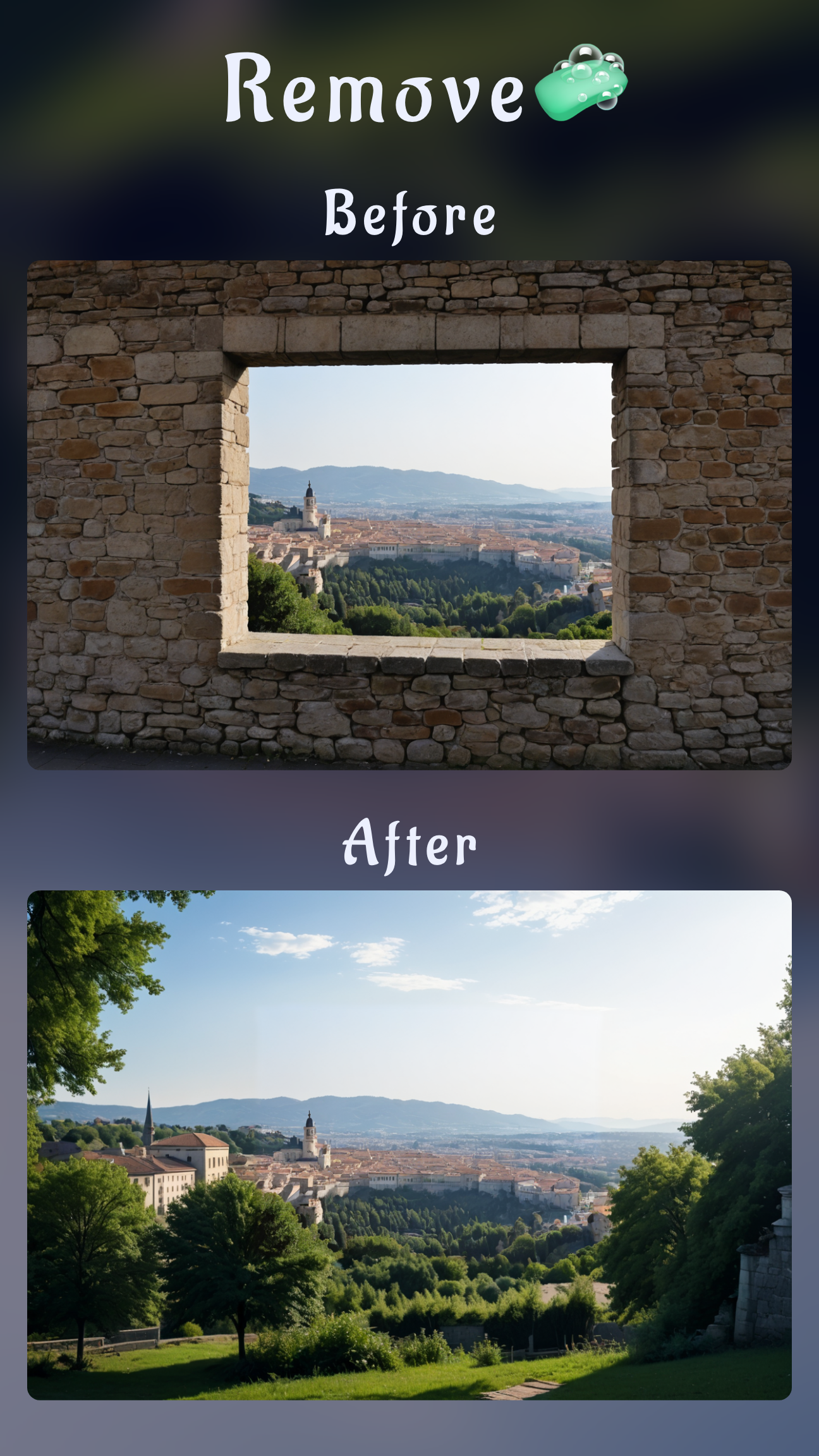
The Eraser button is purpose-built for fast timestamp cleanup. Paint over the digits with a soft brush and Sinaï Studio fills in the gap using nearby pixels. It’s the same workflow you’d use to remove an element from an image, but tuned for tight corners so you keep straight horizons and edges.
Inpainting: remove date stamp from digital photo with texture match
Complex backgrounds—wood grain, rippling water, brick—benefit from Inpainting. After masking, add a descriptive micro-prompt so the AI matches color and texture. You can stack multiple passes to rebuild highlights or shadows, keeping the photo believable even when printed at full resolution.
Image-to-Image edit: free app to remove text from photo control
When legacy camera stamps sit near hands or patterned clothing, run Image-to-Image on the cleaned frame. Reference the original scene in your prompt and the AI recreates what should exist behind the stamp. Because Sinaï Studio lets you queue three edits per day on the free tier, you can restore a small batch without paying extra.
Device tips: remove timestamp from photo on iPhone or Android
Both platforms follow the same workflow above, but a few native settings can save future edits. Use these quick adjustments before you leave the app.
Remove timestamp from photo iPhone workflow
Import the image, clean it in Sinaï Studio, then open the Photos app and adjust date & time metadata if you need it to match the moment it was captured. iPhones don’t burn in timestamps by default, but if a third-party camera app adds one, disable its overlay so you only deal with metadata going forward.
Remove date stamp from photo Android checklist
Android phones sometimes add visible timestamps. After editing in Sinaï Studio, open the device camera settings and disable “Add timestamp.” If you shoot with a Samsung, you can long-press the edited file, tap “Details,” and confirm the EXIF data stayed intact even though the corner is now clean.
Why Sinaï beats other apps to remove text from photo
General-purpose editors often blur stamps, but Sinaï Studio lets you rebuild detail while staying mobile. You can layer other fixes—like change a photo background in minutes or tidy reflections—with the same intuitive controls. Everything stays synced in one project, which is a huge win when you’re working on client galleries.
App to remove words from pictures for batch cleanup
Need to prep multiple event photos? Create a project folder, remove date stamps shot-by-shot, and keep every version side by side. Because Sinaï Studio supports up to 25 free edits daily, you can refresh family albums, then jump to other fixes like removing glare from glasses without hitting a paywall.
Pro tips to keep photos clean going forward
- Disable timestamp overlays in your camera settings so only EXIF data captures the moment.
- Duplicate the original photo before editing so you can compare color balance and restore metadata if needed.
- Group related edits in Sinaï Studio projects—date stamp cleanup, color fixes, and sky replacements—so exporting final selects is frictionless.
FAQs on removing date stamps
Will removing the date stamp affect image quality?
No. Sinaï Studio rebuilds the surrounding pixels with AI so the original resolution stays intact. Use the HD Upscale button after Eraser or Inpainting to reinforce detail before exporting.
What is the best free app to remove text from photo timestamps?
Sinaï Studio acts as a free app to remove text from photo timestamps, combining object removal, Inpainting, and Image-to-Image variations in a single mobile workspace. You can complete three full edits per day on the free tier.
Can I remove timestamp from photo on iPhone or Android?
Yes. Import the image on either platform, zoom in, and paint the timestamp with the Eraser. If remnants remain, switch to Inpainting with a brief prompt such as “restore wood grain” so the date disappears seamlessly.