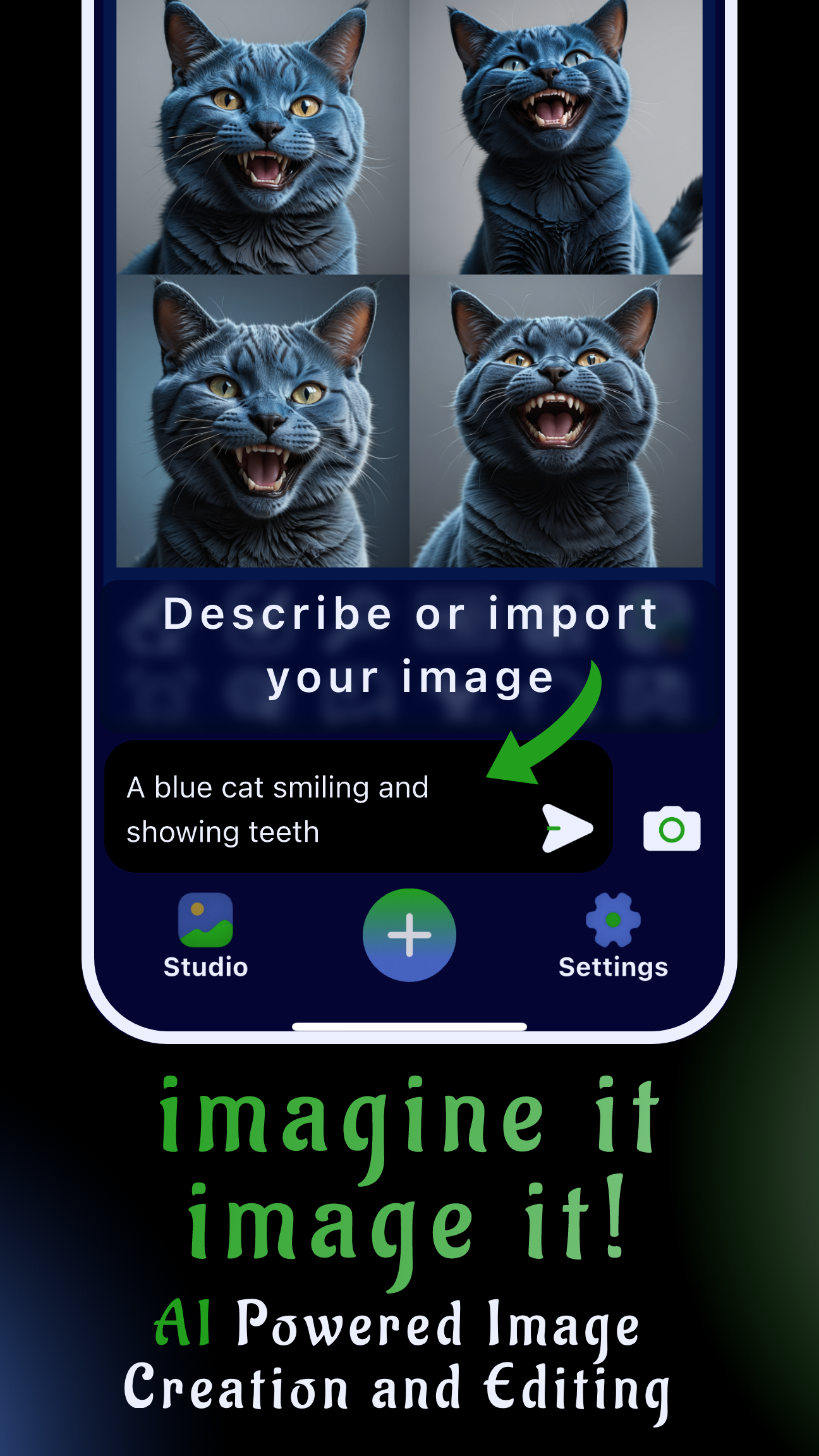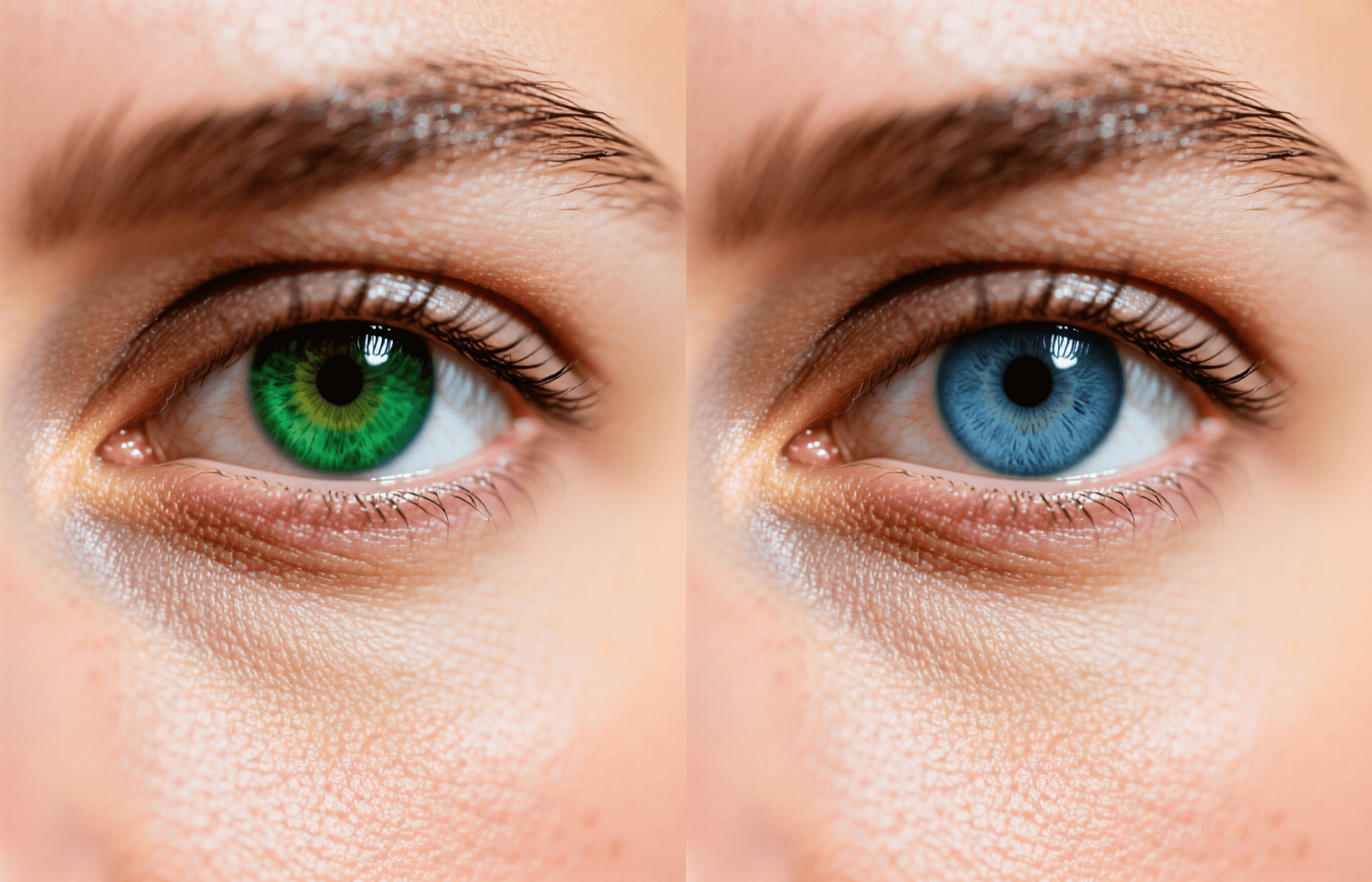
Changing eye color in a photo app used to mean exporting to desktop software. Now you can change eye color in photo app projects entirely on mobile. Sinaï Studio keeps the workflow fast: import a portrait, mask the iris, describe the shade you want, and refine every highlight without leaving your phone.
Sinaï Studio’s mobile-first AI editor pairs promptable tools with fine-grain controls. You can adjust the iris, enhance catchlights, and match the new color to ambient lighting in minutes. The guide below packages pro tips from our community, and the exact buttons to tap inside the app.
What you’ll get
- Step-by-step mobile workflow for realistic eye color edits.
- Prompt formulas for subtle, vivid, and fantasy iris shades.
- Pro tips to balance eye brightness with skin tone and makeup.
Eye Color Changer App: Why Sinaï Studio Wins
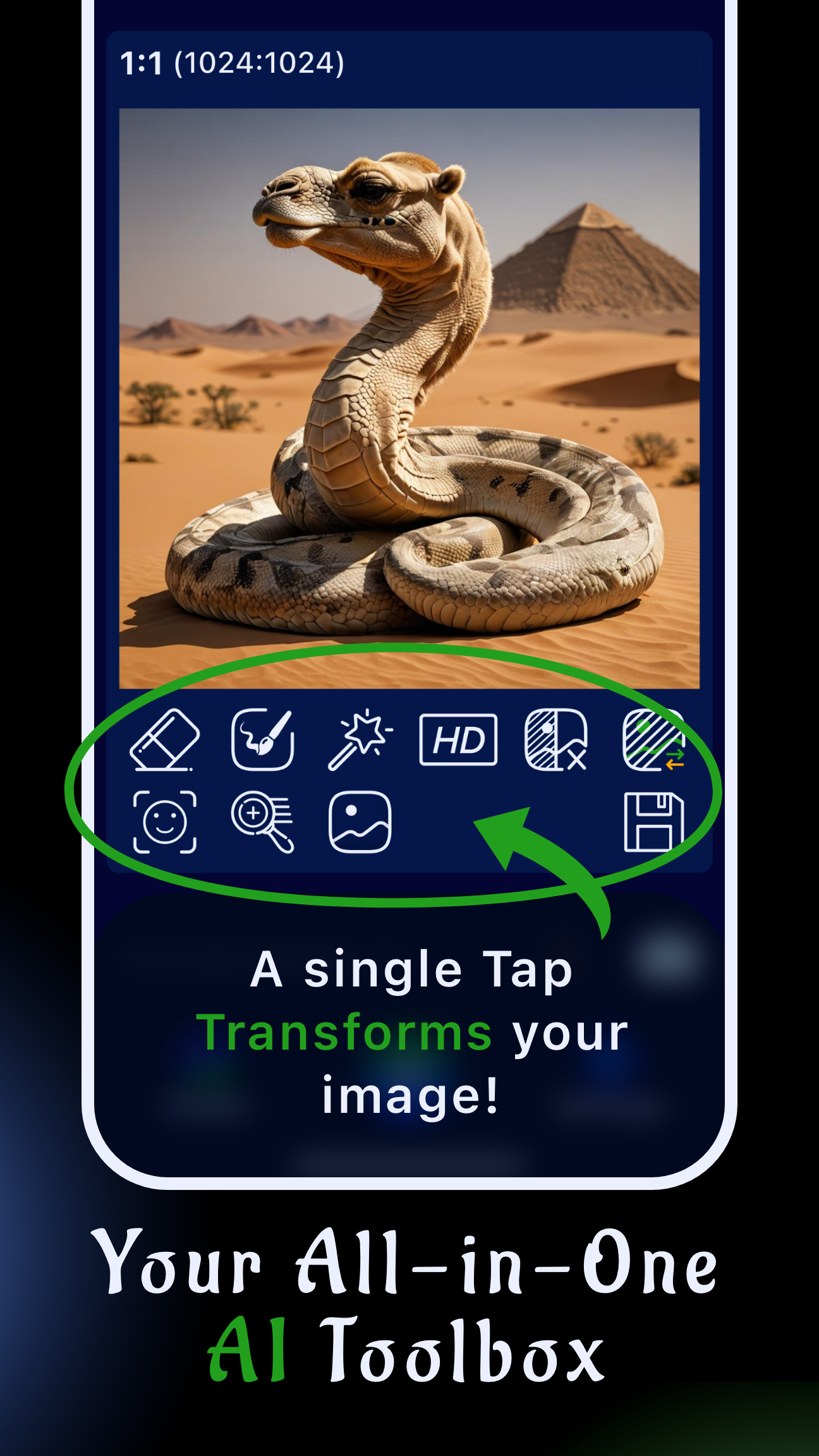
Sinaï Studio stands out with tools built for designers: Inpainting for precision masking, Refiner for micro-contrast, SceneShift for ambient light, and FaceBlend when you need to transfer the subject’s look across shots. Everything runs locally on iOS and Android so you can iterate anywhere.
- Precision masking: Draw over the iris and pupils with Apple Pencil or your finger, then prompt for natural hazel, icy blue, or gradient fantasy eyes.
- Lighting-aware edits: SceneShift and the color temperature slider keep the new shade aligned with the scene—no glowing neon unless you ask for it.
- All-in-one retouching: After color swaps, use the facial expression workflow to finesse mood or blend in digital makeup.
Because the app keeps every project in the cloud, you can generate variations, compare them, and send client-ready assets faster than online only tools.
Eye Color Changer Editor Upgrades to Know
The latest update adds mask previews, brightness sliders dedicated to the iris, and undo history synced across devices. If you already use our object color change tutorial, expect the same granular control, now tuned for portrait close-ups.
Change Eye Color in Photo Step-by-Step
Follow this workflow whenever you need consistent, realistic results. It mirrors the process we use in Sinaï Studio’s internal playbooks.
- Set up the project. Import the photo, duplicate it for safekeeping, and pinch to zoom until the iris fills the screen.
- Mask precisely. Choose Inpainting, select a soft brush, and cover the iris plus a sliver of the pupil. Tap the check mark to lock the mask.
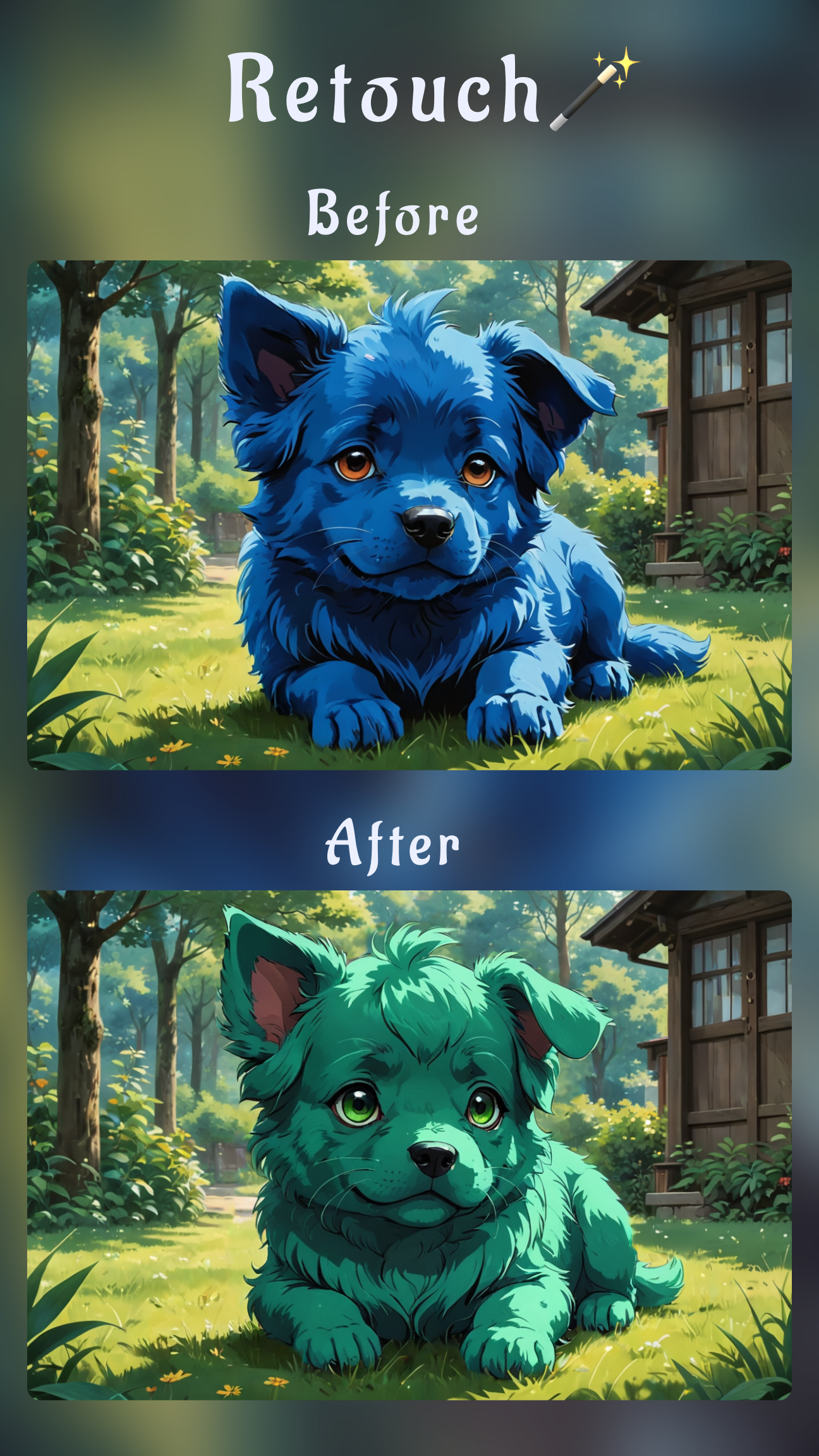
- Prompt your shade. Describe the hue and finish you need: “deep emerald eye color with golden ring,” “cool gray with silver reflections,” or “soft amber with subtle sparkle.”
- Balance the change. Use Refiner to clean edges, then adjust brightness or saturation so the eye matches ambient light and skin tone.
- Finalize and export. Run HD Upscale, compare before/after, and export JPEG for social or PNG if you plan to composite.
AI Eye Color Changer Workflow Overview
For batch work, save prompts inside Sinaï Studio’s notes so you can reuse them across portraits. When you need to edit multiple shots, FaceBlend keeps irises consistent across the set, while project-level adjustments ensure the catchlights match.
Photo Editor to Change Eye Color Settings
- Brush size: Smaller brushes prevent bleeding into eyelids. Toggle between sizes as you outline the pupil.
- Strength slider: Keep it around 60–70% for natural edits; push to 90% for fantasy shades.
- Detailer: Re-run on the pupil edge if highlights look soft after the color shift.
Need extra realism? Layer Style Transfer over the iris to add subtle textures, then borrow catchlight ideas from the AI makeup tutorial to coordinate the whole look.
Change Eye Color Online Free on Mobile
You can test up to 25 eye color edits per day on Sinaï Studio’s free plan. Save projects to revisit later, and upgrade only when you need higher daily limits or bulk exports. Because everything runs on-device, you get immediate previews even on mid-range phones.
Best App to Change Eye Color Versus Alternatives
Competitors like Remaker and PerfectCorp list dozens of presets, but they rarely consider lighting context or natural reflections. Sinaï Studio lets you combine preset palettes with custom prompts, so you can match brand guidelines or produce cinematic looks for campaign stills. Designers also appreciate batch editing and export history, two features missing from most web-only tools.
Eye Color Filter App Looks You’ll Get
- Natural enhancements: Honey hazel, icy blue, and muted green palettes ready for lifestyle shoots.
- Editorial drama: Dual-tone irises, galaxy sparkles, or ultraviolet fantasy overlays for album art.
- Cosplay-friendly: Neon pinks or crimson shades that pair with the AI hairstyle workflow for character transformations.
Eye Colour Change App Controls for Precision
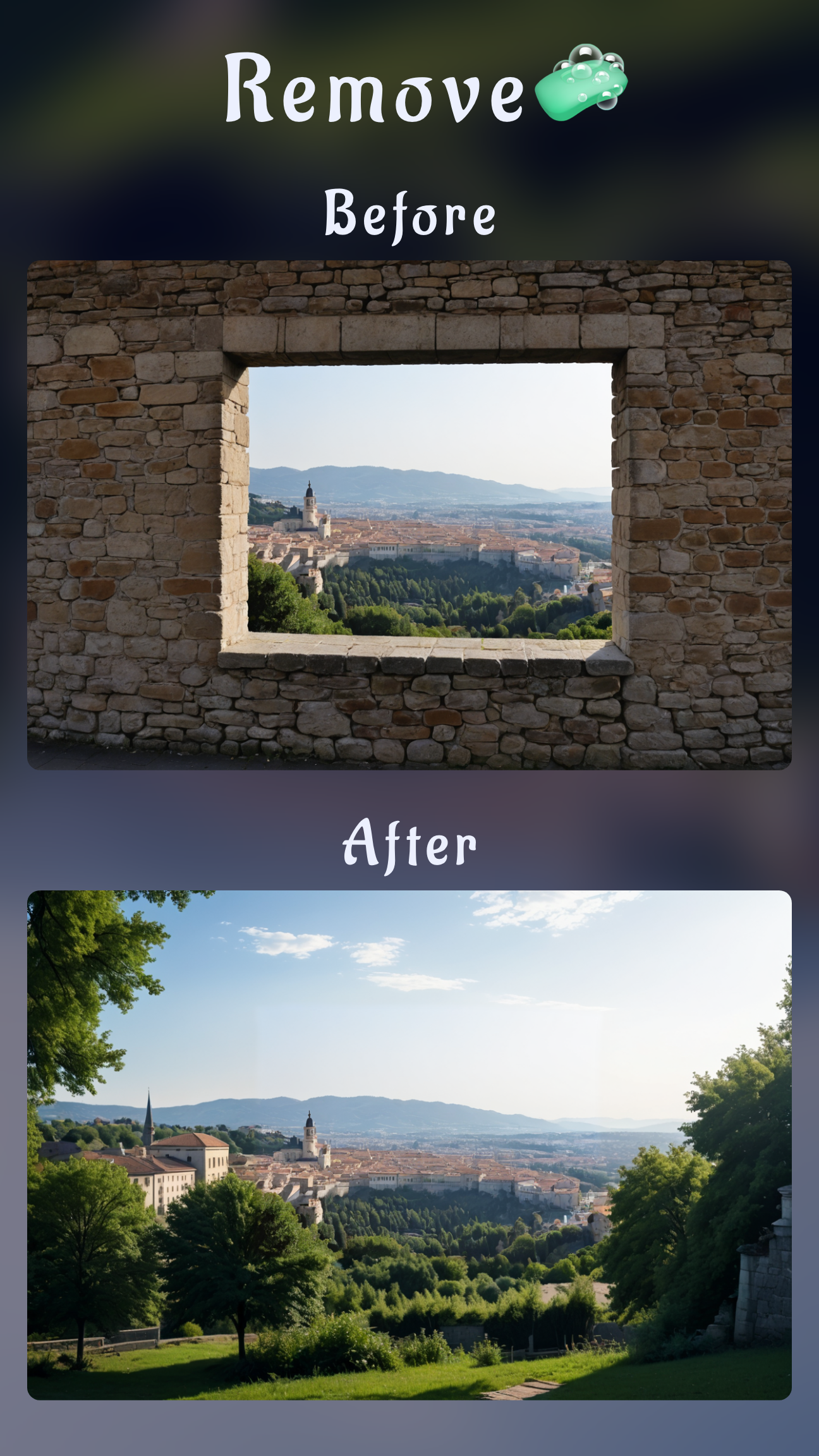
Toggle between Inpainting and SceneShift to maintain highlights. If the sclera picks up color spill, use Object Removal with a low opacity to clean edges. Finish by tweaking overall contrast so the new eyes integrate smoothly with the rest of the image.
Pro Tips to Edit Red Eye Without Artifacts
Classic red-eye fixes flatten detail. Instead, duplicate the eye layer, desaturate the red channel, and merge it back with a soft mask. For flash-heavy shots, reduce highlights before recoloring so you preserve catchlights while removing lens flare.
- Use selective masking: Keep the mask within the pupil to avoid dulling the iris texture.
- Blend modes: Experiment with Overlay or Soft Light after the color change for more depth.
- Check zoomed-out results: Toggle before/after regularly to ensure the edit looks natural across the full frame.
FAQs
How can I change eye color in a photo without Photoshop?
Import the photo into Sinaï Studio, mask only the iris with Inpainting, describe the target shade, and refine edges with Detailer. You’ll keep full control without launching desktop software.
Which app changes eye color realistically on mobile?
Sinaï Studio combines AI-driven prompts with manual controls, making it the most reliable pick when you need realistic eyes for social campaigns, ecommerce portraits, or mood boards.
Can I adjust eye color without affecting skin tone?
Yes—reduce the strength slider, keep masks tight, and use SceneShift to match lighting. Because adjustments stay local to the iris, surrounding skin and makeup remain untouched.