A white background product photography app removes the guesswork from keeping ecommerce shots compliant and conversion-ready. By running your workflow through Sinaï Studio you can white out backgrounds, balance lighting, and export marketplace-ready files without leaving your phone.
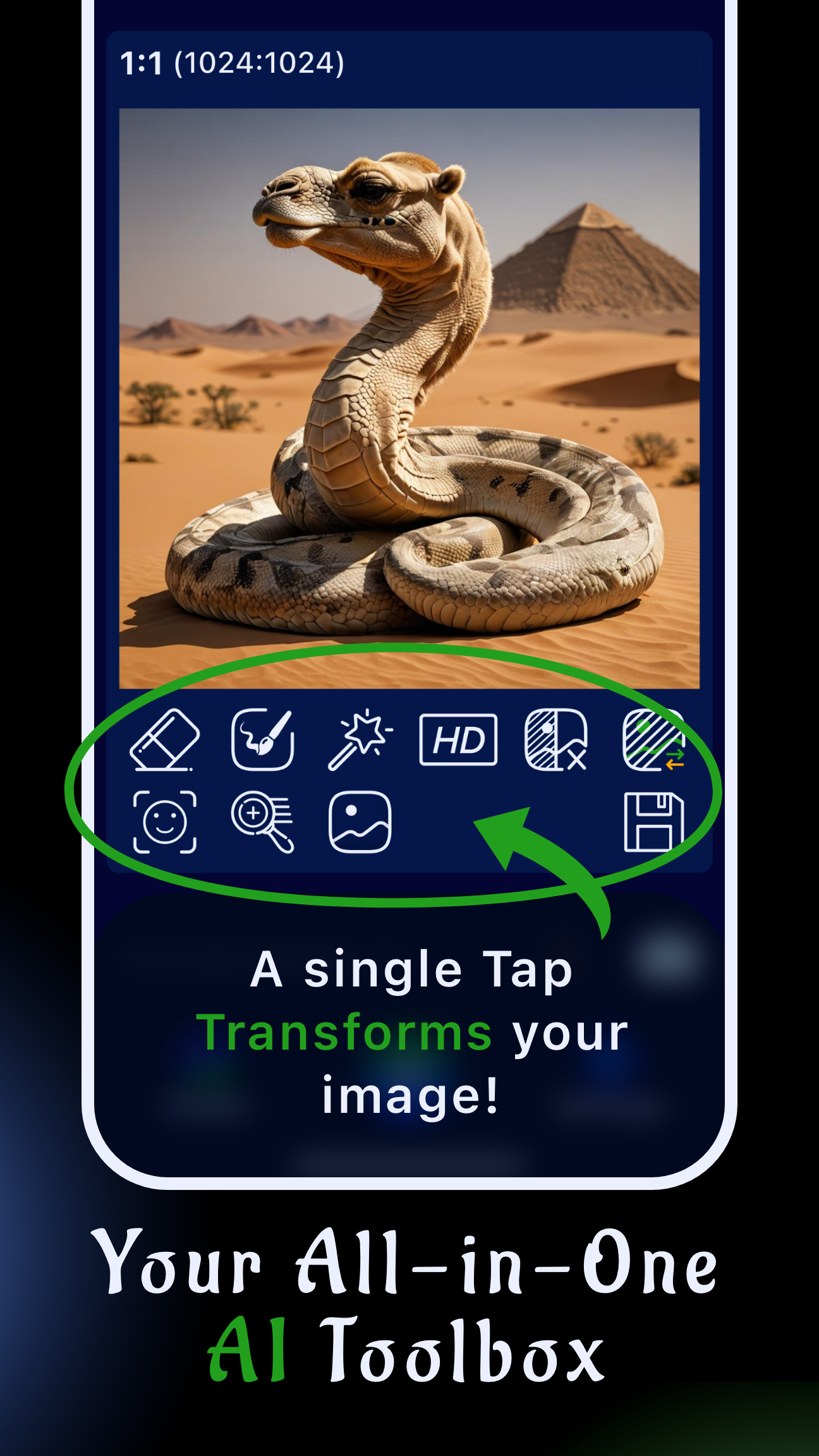
Sinaï Studio’s SceneShift, Image-to-Image edit button, and HD exports give you a mobile control room for any catalog update. Whether you are reshooting a hero bottle or refreshing legacy packshots, the app keeps edits fast and consistent so you can launch collections on schedule.
What you’ll get
- A repeatable mobile process to white out product photo backgrounds with SceneShift in under five minutes.
- Prompt recipes for the Image-to-Image edit button that keep edges sharp while locking in pure white surrounds.
- Lighting, export, and QA tips that keep marketplaces from rejecting your listings for off-white or noisy backgrounds.
Why a white background product photography app beats manual tools
Traditional desktop retouching or endless reshoots slow down product drops. A white background product photography app keeps the workflow in your pocket: capture, correct, iterate, and publish while the product is still on set. Sinaï Studio bundles lighting corrections, precise masking, and HD upscaling, so you spend less time wrestling with layers and more time shipping pages.
Because everything stays in one project, you can version updates quickly: duplicate a scene, test a seasonal prop, and revert if merchandising wants the original. Pairing the app with guides like our selective color workflow keeps your brand palette intact even as you iterate on the background.
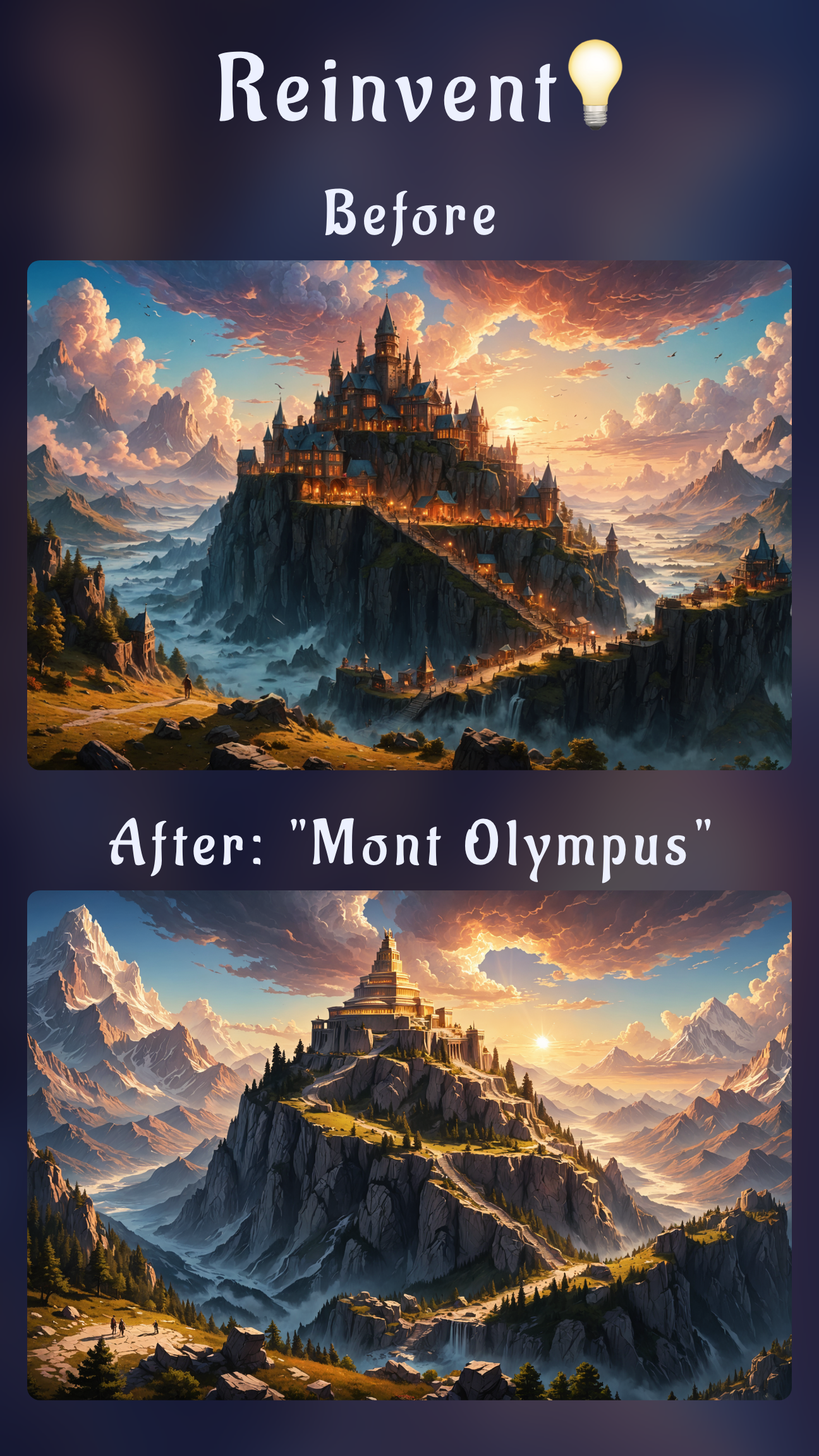
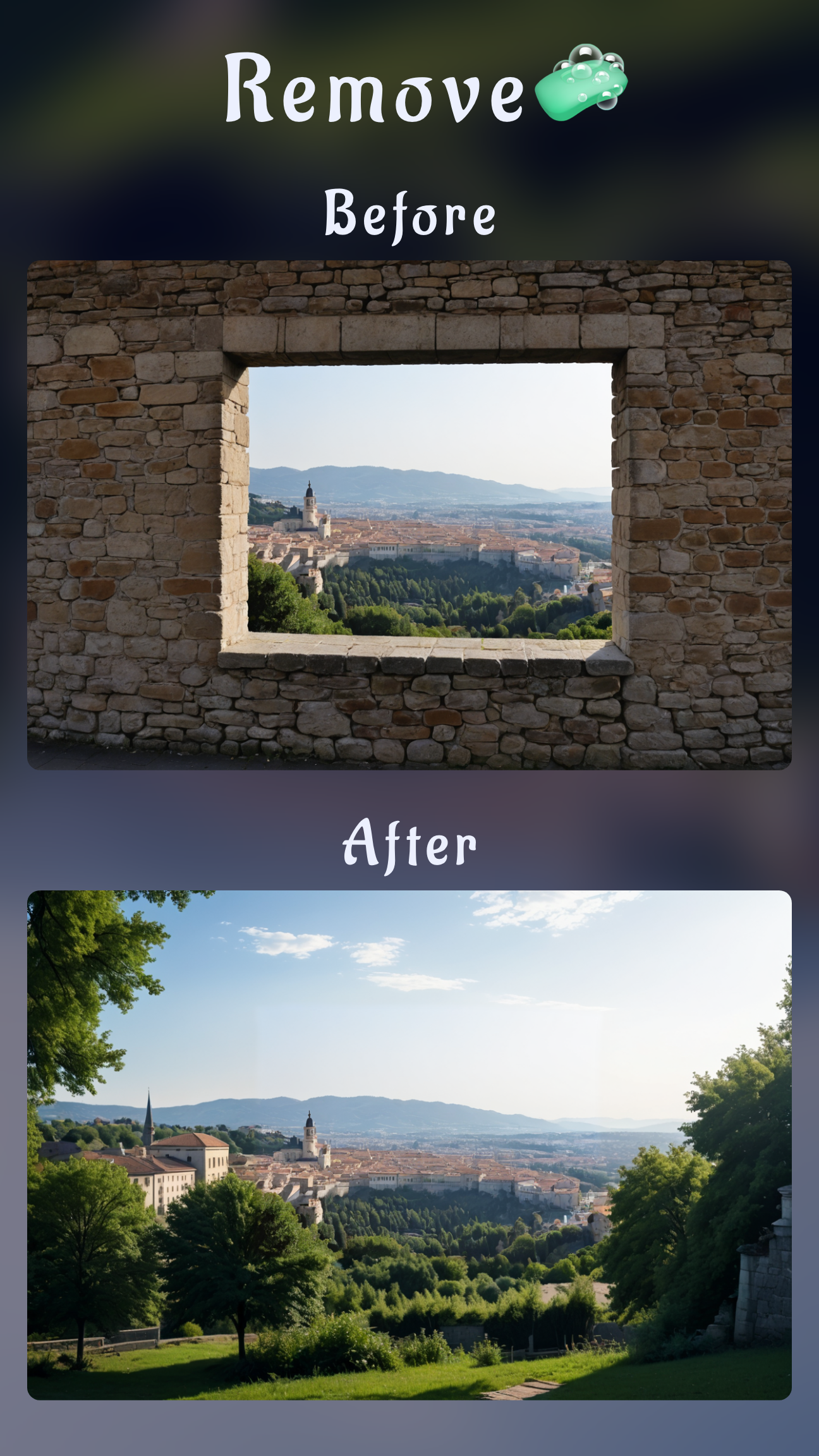
- SceneShift instantly swaps any cluttered or colored set for a clean white stage.
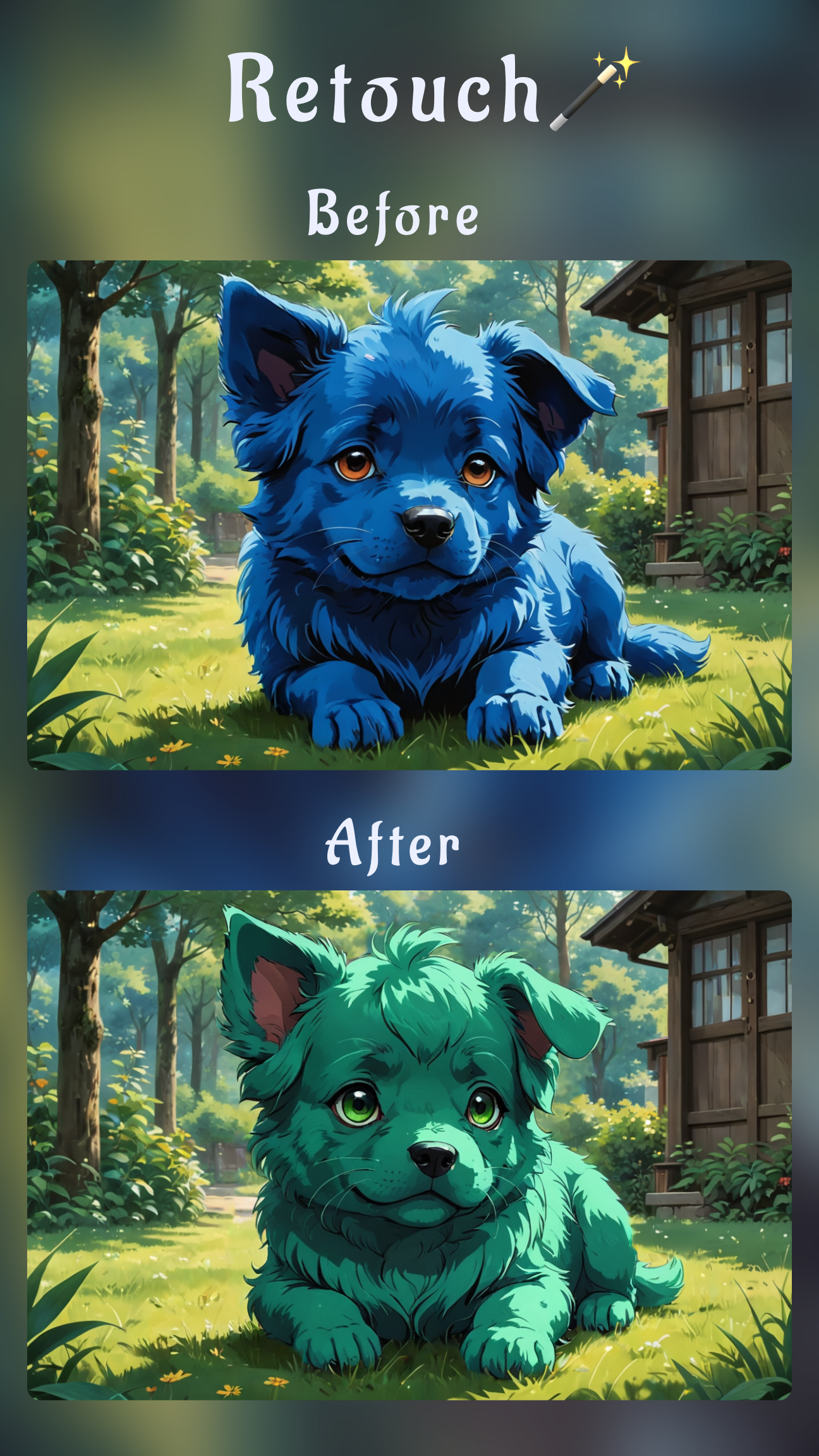
- Image-to-Image Edit respects product texture while rewriting the environment.
- HD Upscale exports 2048–4096 px files that meet Amazon, Shopify, and Walmart requirements.
White out photo background with lighting fundamentals
The closer your capture is to white, the less AI has to correct. Set up diffused key light from the side, bounce fill light with foam board, and keep the histogram nudged to the right. This combo replicates the three-point lighting pros use to avoid muddy grays and harsh shadows.
How to get pure white background photography without overexposure
- Position a white sweep or poster board so it curves beneath the product, removing horizon lines.
- Backlight the sweep so it reads slightly brighter than the subject while using a reflector to open the shadows.
- Lock white balance manually—around 5400K for daylight LEDs—so Sinaï Studio does not have to fight warm or cool color casts later.
- Bracket one frame at +0.3 EV; this keeps the subject crisp while giving SceneShift less noise to clean.
If you are shooting glossy objects, raise the product on clear acrylic so light passes underneath and prevents gray edges. The cleaner the capture, the faster your mobile edits land on a true white.
White background product shot tutorial (Sinaï Studio)
Follow this sequence when you import a packshot or capture one directly in Sinaï Studio. It blends lighting prep with in-app edits, so every SKU gets a predictable, pure white finish.
- Import your product photo into Sinaï Studio and duplicate the layer to preserve the original.
- Tap SceneShift for the first pass so the app removes color casts and replaces the background.
- Open the Image-to-Image edit button for detailed cleanup and prompt-based refinements.
- Run HD Upscale and export PNG plus JPEG versions for marketplaces and lookbooks.
Make product photo background white with SceneShift
SceneShift is the fastest way to white out a set without touching the product. After tapping the icon, drag the mask over the background or use the auto-select option if the product has clear edges. Slide the intensity until the preview shows a crisp white (RGB 255) wall and floor, then apply. If the product edges look too soft, reduce the intensity slightly and reapply so detail stays intact.
Make product photo background pure white using Image-to-Image Edit
Once SceneShift sets the base, open the Image-to-Image edit button. Use prompts such as “keep the ceramic mug sharp on a pure white seamless background, soft studio lighting, no shadows.” Generate two to three options and pick the version with the cleanest outline. The tool keeps reflective surfaces natural while deepening whites that lighting alone could not finish.
Product photo background editor AI settings
Use the strength slider between 35–45 to preserve brand colors while replacing the environment. If you need to brighten shadows more, add the Refiner tool to the base and paint only under the product to avoid halos. Finish by tapping Save so future variants inherit the same white background recipe.
Pure white background product photography tips for consistency
Consistency matters when customers scroll through product grids. Build a reusable checklist that covers lighting notes, AI settings, and export specs so every image matches. Sinaï Studio saves project history, letting you review previous prompts whenever you roll out a new variant.
How to get a white background for product photography on the go
- Pack a foldable light box or two sheets of foam board to create instant sweeps.
- Use the Sinaï Studio camera gridlines to center the product and maintain straight horizons.
- For textured items, lightly mist water on matte surfaces; it reduces specular hotspots that can tinge the white.
When you are travelling, sync your projects so teammates can review and approve from their phones, keeping releases on track.
Remove background to white mobile: quick checks before export
- Zoom to 200% and trace the silhouette to confirm no gray fringe remains.
- Toggle between PNG and JPEG previews; if JPEG shows banding, rerun SceneShift at lower intensity.
- Drop the file on a #F5F5F5 canvas to ensure the background is truly white and not a light gray.
Document these checks inside the project notes so assistants can replicate the workflow without guesswork.
Why a white background ecommerce photo app boosts conversions
Marketplaces reward uniform imagery. A dedicated white background ecommerce photo app keeps bounce rates low because shoppers see products clearly on both mobile and desktop. Sinaï Studio maintains image integrity, allows batch exports, and integrates with creative workflows like our top-down photo capture guide so your catalog feels cohesive.
Beyond compliance, sharper backgrounds increase click-through rate on ads and landing pages. With 25 free edits a day, you can refresh bestsellers first, monitor analytics, and invest in premium plans once you see conversion lifts.
FAQs
How do I get a perfect white background in product photography?
Balance diffused lighting before you shoot, then rely on SceneShift to level the background. Finish with Image-to-Image edit prompts that reinforce “pure white seamless background” while keeping the product untouched.
Can I white out a product photo background on mobile?
Absolutely. Import the photo, use SceneShift for the heavy lifting, and refine with the Image-to-Image edit button or Refiner tool. The process takes under five minutes once you save your mask.
What export settings keep a white background crisp for eCommerce?
Export a PNG at 300 DPI and at least 2048 px on the long edge. If a marketplace needs transparent margins, crop with equal padding on all sides before exporting to avoid auto-cropping.