Introduction
Searching for an AI headshot app free that looks recruiter-ready? With Sinaï Studio you can capture, generate, and retouch a professional portrait entirely on your phone. This guide shows how to turn a quick selfie into a polished LinkedIn or portfolio image, covers what to prep before you generate, and highlights other mobile headshot generator options if you want to compare.
Key Takeaways
- Use a mobile headshot generator to create studio-style portraits anywhere, then refine lighting, wardrobe, and background directly inside Sinaï Studio’s free toolkit.
- Prep your source selfie with soft lighting, neutral styling, and FaceBlend reference photos to keep your AI headshot consistent across all deliverables.
- Apps like Remini or PhotoRoom can help in a pinch, but Sinaï Studio is the only mobile solution that combines generation, precision editing, and HD export with 25 free edits a day.
Why create AI headshots on mobile?
A mobile-first workflow lets you ship fresh headshots the moment you need them—no studio scheduling, no expensive retouchers. Because Sinaï Studio runs on iOS and Android, you can iterate on prompts, test outfits, and export final files during a commute or right before an interview invitation hits your inbox.
When a mobile headshot generator makes sense
- Remote teams onboarding fast: Produce cohesive employee avatars without coordinating photographers in every city.
- Job seekers on a deadline: Refresh your LinkedIn portrait overnight when a recruiter asks for updated materials.
- Creators building personal brands: Maintain a steady stream of on-brand portraits for thumbnails, newsletters, and speaker bios.
- Founders pitching investors: Keep pitch decks consistent by generating investor-ready profile shots for the whole founding team.
What separates a professional AI headshot
- Consistent identity: Load reference selfies into FaceBlend so the AI keeps your facial structure across every variation.
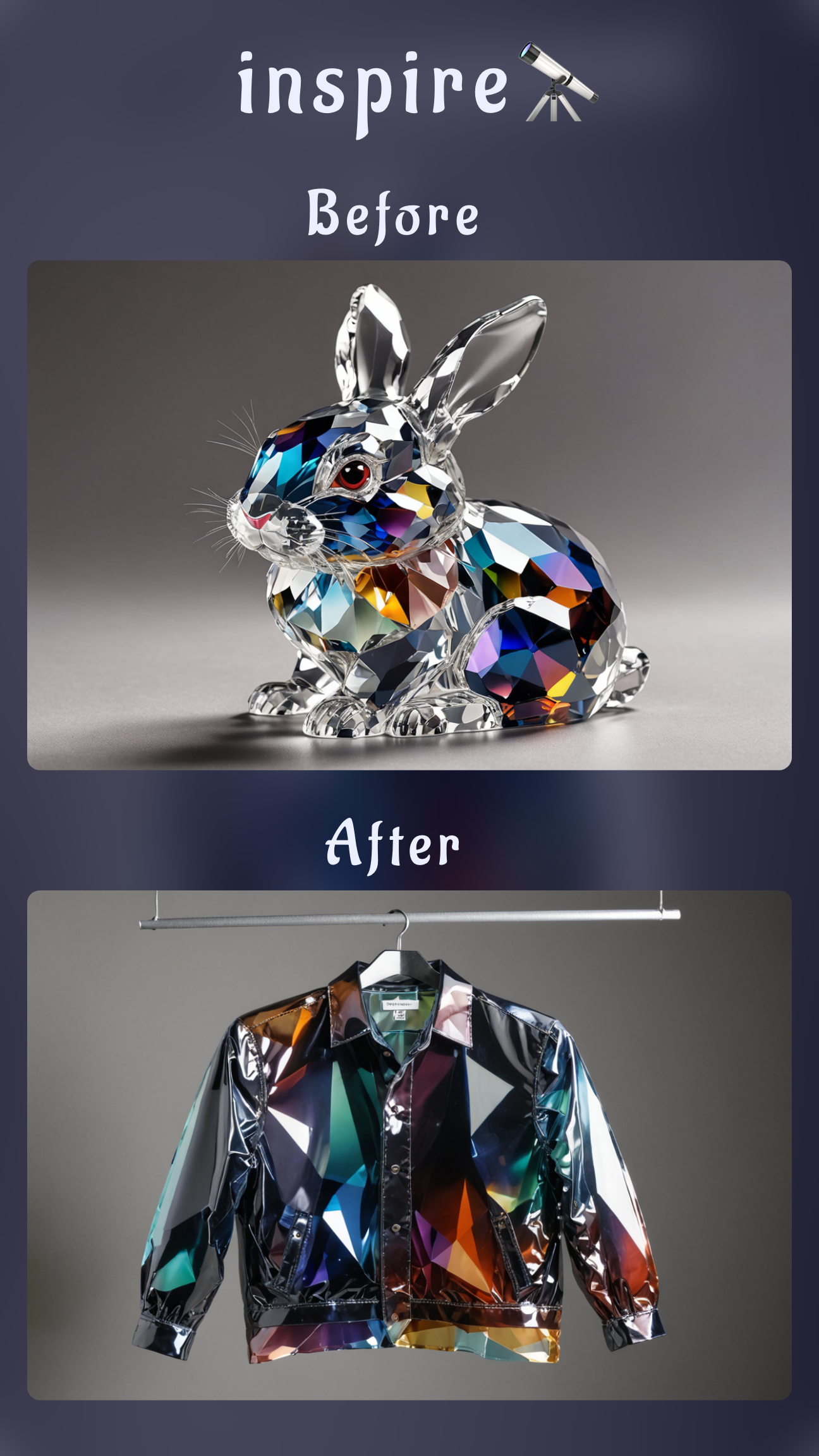
- Controlled styling: Pair SceneShift backgrounds with Style Transfer palettes to match company colors.
- Tidy finishing touches: Use Inpainting and the Eraser to tame flyaways or remove distractions so the focus stays on your expression.
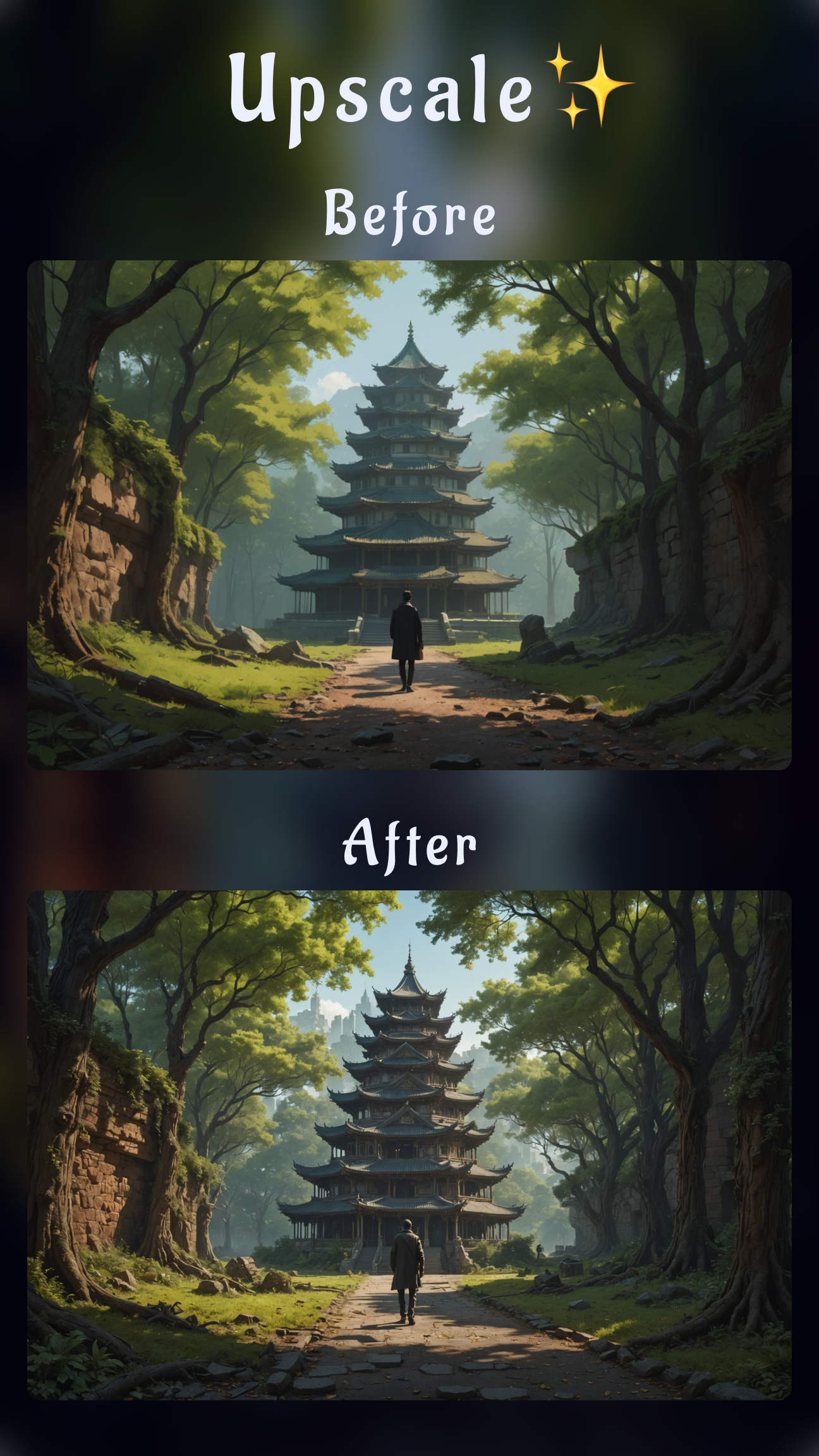
- High-resolution output: Finish with Image Upscaling (HD) so your headshot prints crisply on speaker badges or press kits.
Prep your phone shots before you generate
- Plan flattering light: Face a window or use a diffused lamp. Avoid direct overhead lighting that creates harsh shadows.
- Stabilize your phone: Rest it on a stack of books or tripod at eye level. A sharp reference photo helps the AI capture accurate detail.
- Choose a neutral outfit: Solid tops in mid-tone colors translate best. You can always experiment with formal jackets later using Inpainting.
- Capture multiple angles: Take three to five selfies with relaxed expressions. Upload the best ones to Sinaï Studio so FaceBlend understands your features.
How to make a professional AI headshot on your phone with Sinaï Studio (free)
Sinaï Studio’s free plan gives you 25 generations or edits per day, making it the ideal AI headshot app free of paywalls. Follow this workflow to go from selfie to studio-level portrait:
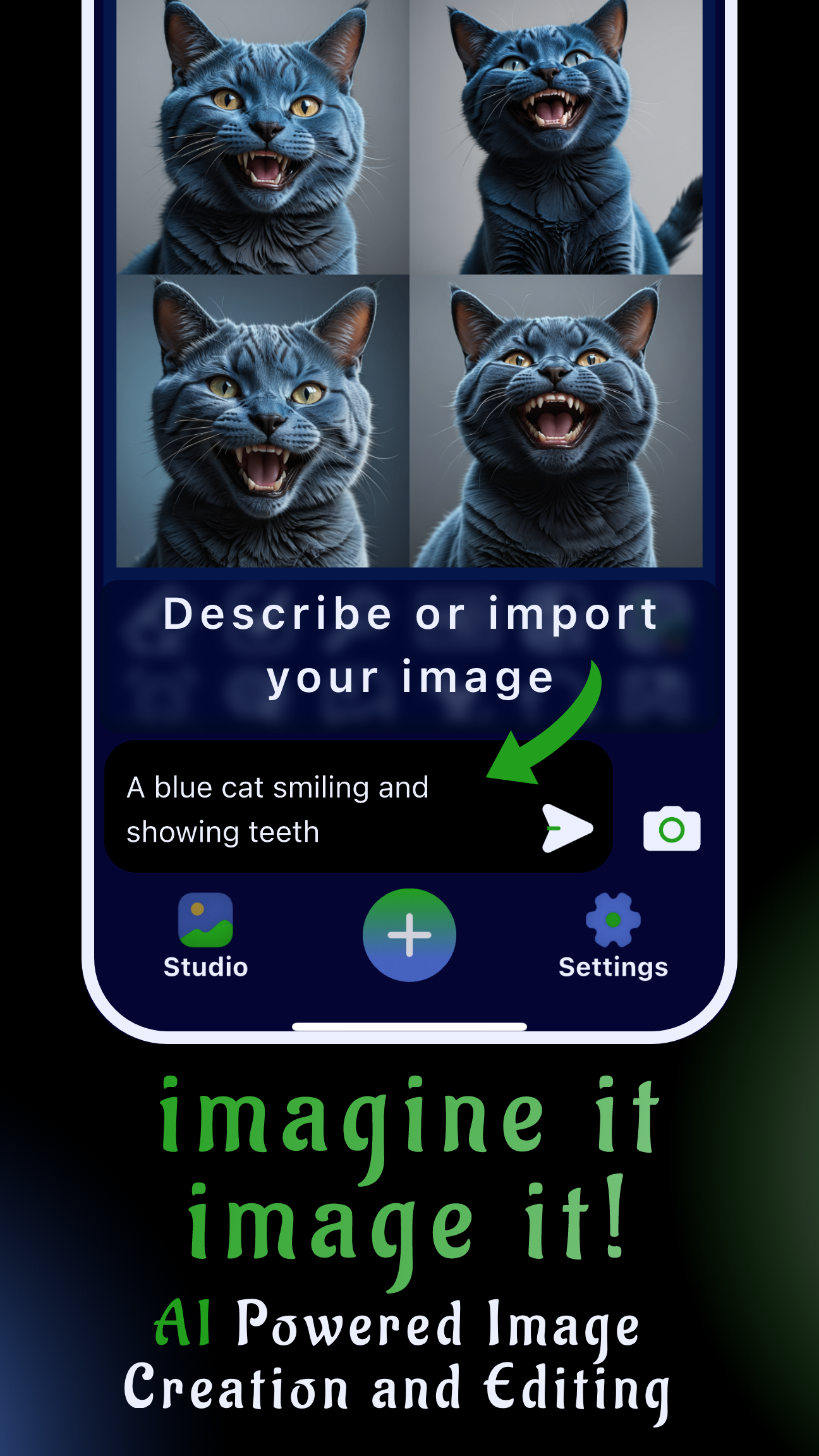
- Start a new project: Open Sinaï Studio, tap the Send field, and describe the headshot you want—e.g., “professional LinkedIn portrait, soft studio light, navy blazer.”
- Import your reference selfie: Tap the camera icon to pull a photo from your gallery or share a selfie directly into the app.
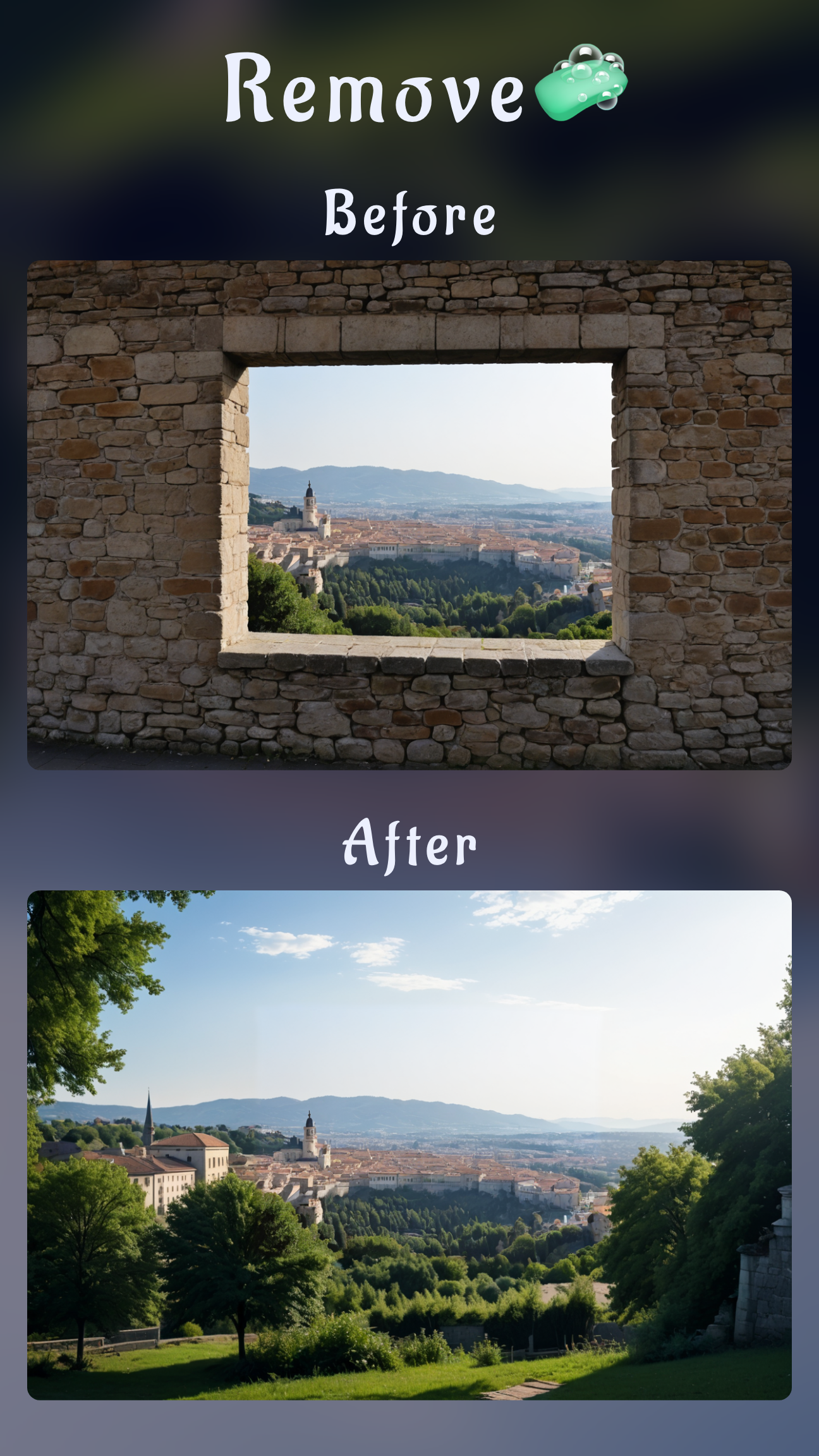
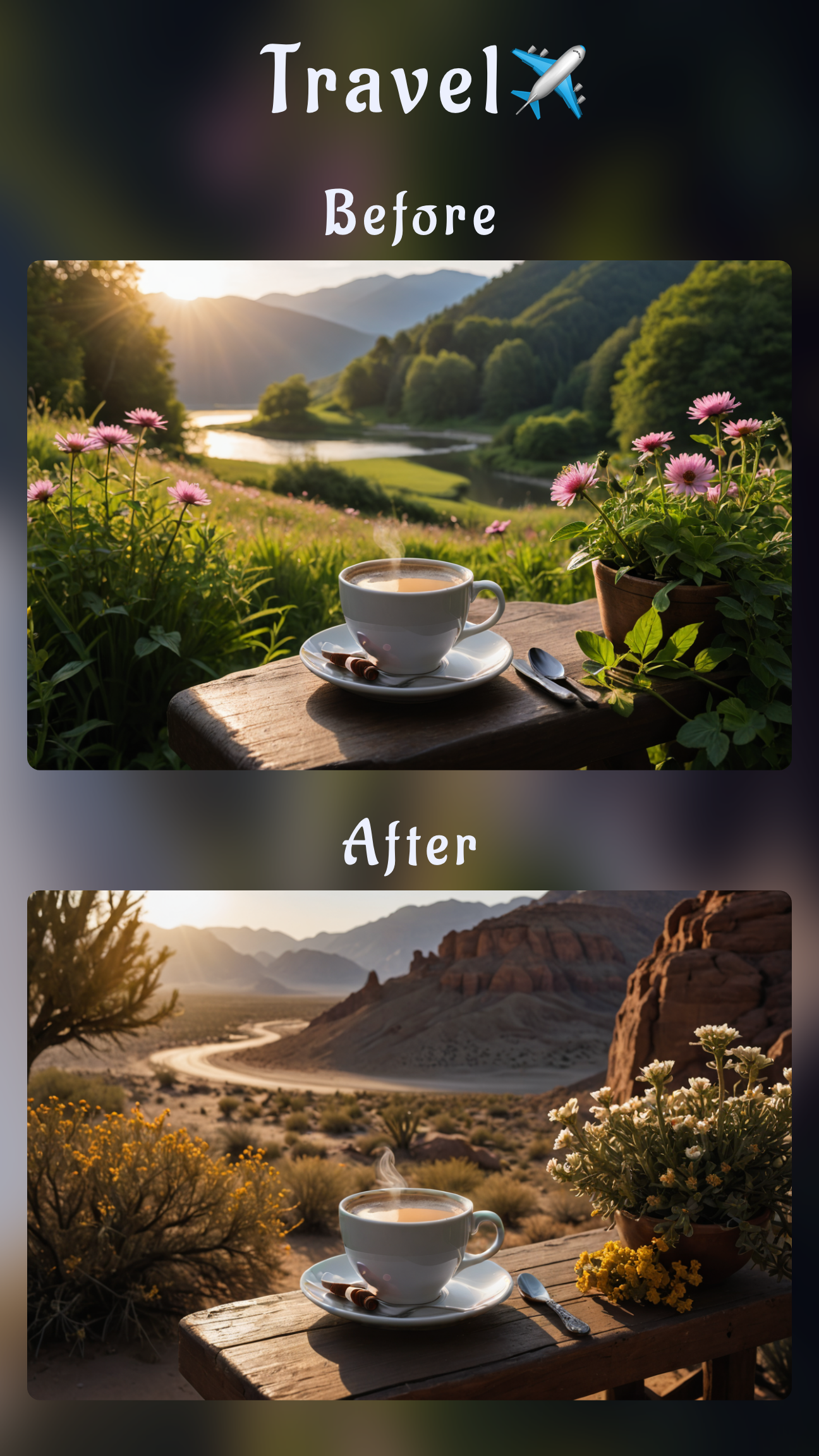
- Clean the background: Use Background Removal for a one-tap cutout, then apply SceneShift to drop in a neutral office gradient or branded color backdrop.
- Lock in your likeness: Open FaceBlend, add one or two reference selfies, and confirm the match. This keeps eyes, smile, and bone structure consistent.
- Generate variations with Image-to-Image editing: Tap Edit (Image-to-Image), select your selfie, and enter a detailed prompt covering pose, lighting, wardrobe, and mood. The AI will output polished versions within seconds.
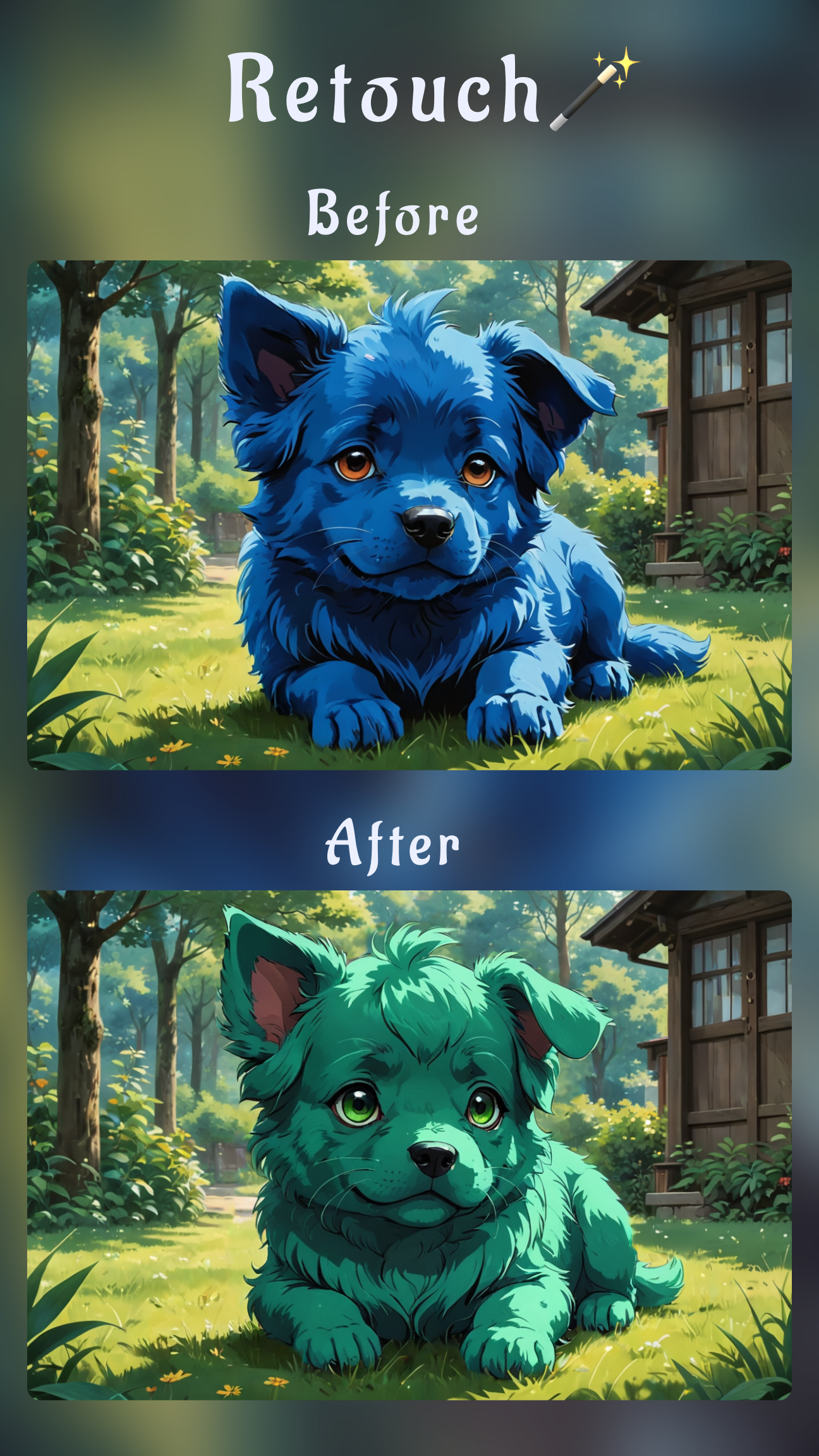
- Fine-tune styling: Use Inpainting to tweak hair, add a blazer, or adjust makeup. Combine with Style Transfer if you have a brand palette you need to match.
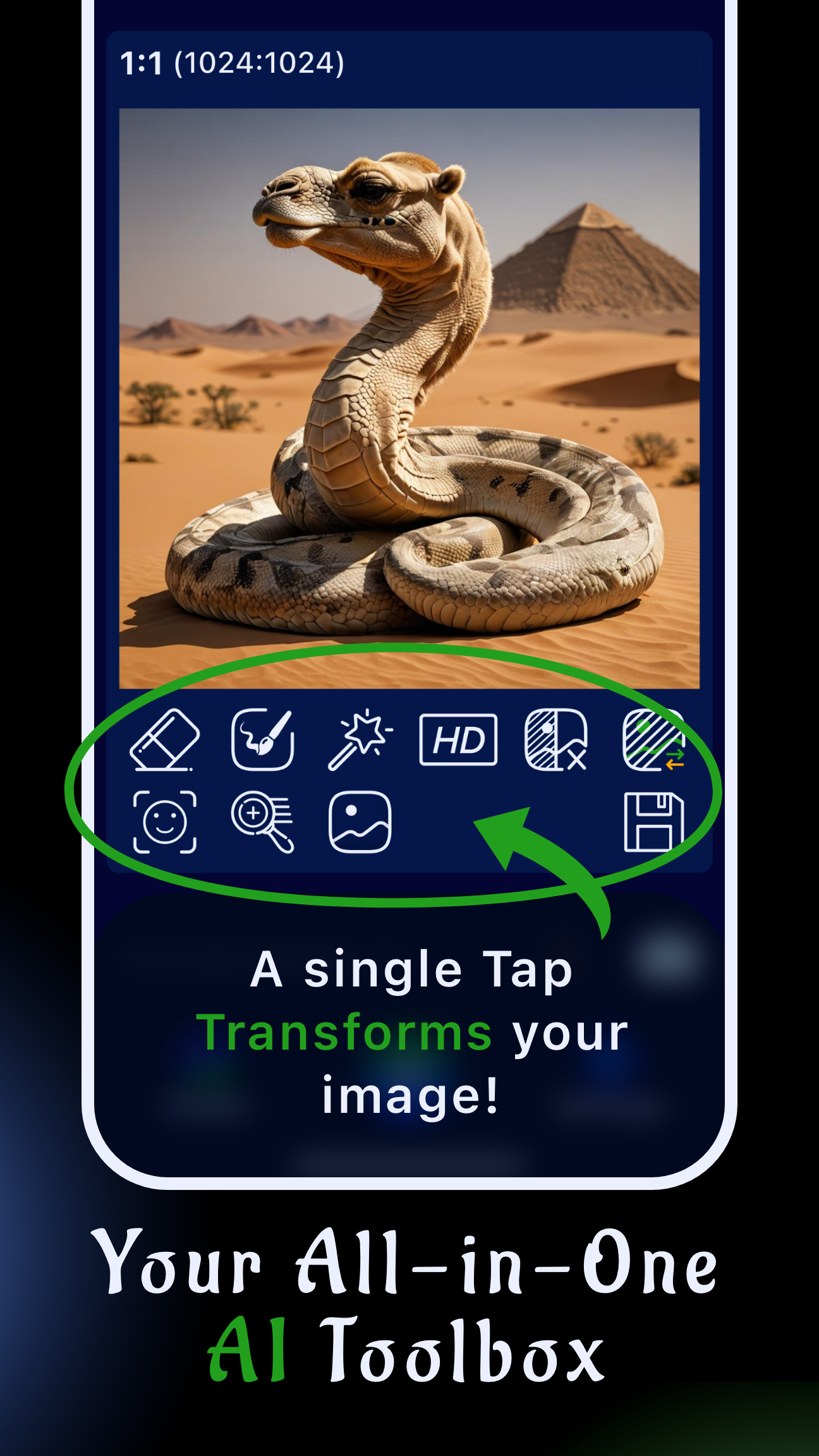
- Polish details: Run the Detailer tool over eyes and hair for crispness, then tap Image Upscaling (HD) for a 4K-ready export.
- Save and organize: Hit Save to store the final image in your Studio gallery and label Scenes by use case (LinkedIn, press kit, speaking gig) for easy reuse.
Prompt formulas to try
- Corporate: “professional corporate headshot, mobile AI headshot generator, navy suit jacket, soft key light, blurred office background, confident smile.”
- Creative: “modern creative portrait, AI headshot app free, color-pop backdrop, smart-casual outfit, editorial lighting, shallow depth of field.”
- Founder: “startup founder headshot, clean white background, charcoal blazer, natural makeup, approachable expression, high-resolution photo.”
Other free AI headshot apps to compare
If you need quick alternatives, test these alongside Sinaï Studio:
- Remini: Fast presets for LinkedIn-style portraits, but limited control over wardrobe and retouching unless you pay for Pro.
- PhotoRoom: Great for automatic background swaps, yet it lacks granular editing tools like Inpainting or Detailer.
- Fotor AI Headshot: Offers themed looks, though exports can appear over-smoothed. Use Sinaï Studio’s Image-to-Image editing to dial back the filter feel.
These apps are helpful for quick tests, but Sinaï Studio’s combination of FaceBlend identity control, advanced editing buttons, and HD export keeps your headshots looking authentic.
Turn your mobile headshot into a mini brand kit
Once you have a hero portrait, repurpose it across thumbnails, speaker decks, and email signatures. Sinaï Studio makes it easy to store Scenes, recolor backgrounds with Style Transfer, and generate matching lifestyle shots—all from the same mobile workspace. Ready to build your next professional portrait? Explore Sinaï Studio features, download the app, and start generating polished headshots for free today.